Computer Application & Accounting
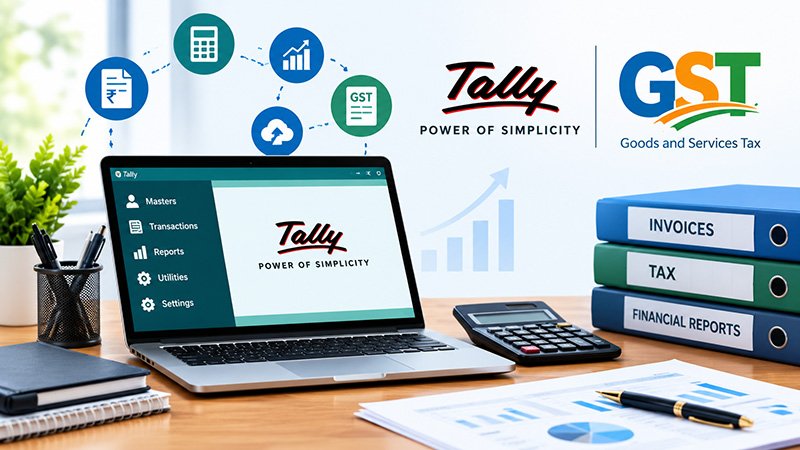
Computerized Accounting with Tally & GST
Accounting with Tally Prime, GST, TDS and payroll for accounts jobs and small businesses.
Course feeAsk for fees
Eligibility: Anyone.
The Computer Application (Basic to Advanced) Course is designed for students, beginners, job seekers and working professionals who want to build strong computer skills from the fundamentals to advanced office applications. This practical course covers essential computer operations, MS Office, Internet, Email, documentation, spreadsheets and presentations, helping learners confidently use computers in everyday and professional environments.
1. Computer Fundamentals
Understand computer hardware, software, operating systems, input/output devices, storage and basic computer terminology.
2. Windows & File Management
Learn how to work with Windows, create and organize folders, manage files, install basic software and perform everyday computer tasks.
3. MS Word
Create professional documents, format text, work with tables, images and page layouts, and prepare letters, resumes, reports and other office documents.
4. MS Excel
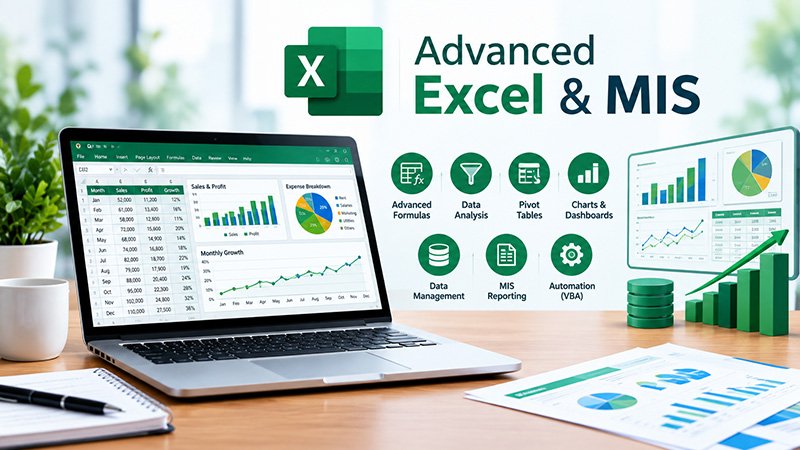
Learn spreadsheets, data entry, formulas, functions, formatting, sorting, filtering, charts and basic data analysis for office work.
5. MS PowerPoint
Create attractive presentations using slides, images, charts, tables, animations and professional layouts.
6. Internet & Email
Learn safe internet browsing, online searches, downloading and uploading files, creating emails, sending attachments and managing professional communication.
7. Practical Office Applications
Work on practical tasks such as document preparation, spreadsheet management, presentations, online forms, printing and other common office activities.
This course is suitable for:
Strong computer knowledge is useful across many office and professional roles. Learning MS Word, Excel, PowerPoint, Internet and Email can help you handle everyday digital tasks more confidently and prepare for computer-based workplace requirements.
Duration: 3 Months
Mode: Classroom & Online
Practical Training: Hands-on computer practice
Certificate: Course completion certificate
Laaksh also highlights live-project training, industry-experienced trainers, unlimited lab practice, classroom/online learning and a verifiable certificate as part of its training approach.
After completing the course, learners can develop skills useful for roles such as:
Note: Career opportunities depend on the learner's overall skills, qualifications and experience.
More courses from the same track.
Accounting with Tally Prime, GST, TDS and payroll for accounts jobs and small businesses.
Formulas, pivot tables, dashboards and reporting used in every office job.